
Platform
From a space to a record, in one system.
Bizzi sells one system. A sensor decides whether a space is occupied, the platform stores that decision with a timestamp, and the analytics read off the stored record.
How a reading travels.
- 01
The space
One monitored stall or bay. One sensor.
- 02
Bizzi PS Sensor
Reads the local magnetic field and decides whether the space is occupied.
- 03
Receiver / gateway
Collects transmissions from the sensors on site over LoRa.
- 04
Bizzi backend
Writes each state change with its own timestamp and keeps the history.
- 05
Platform and buyer systems
Live status, analytics and reports, or an API into your own systems.
The sensor
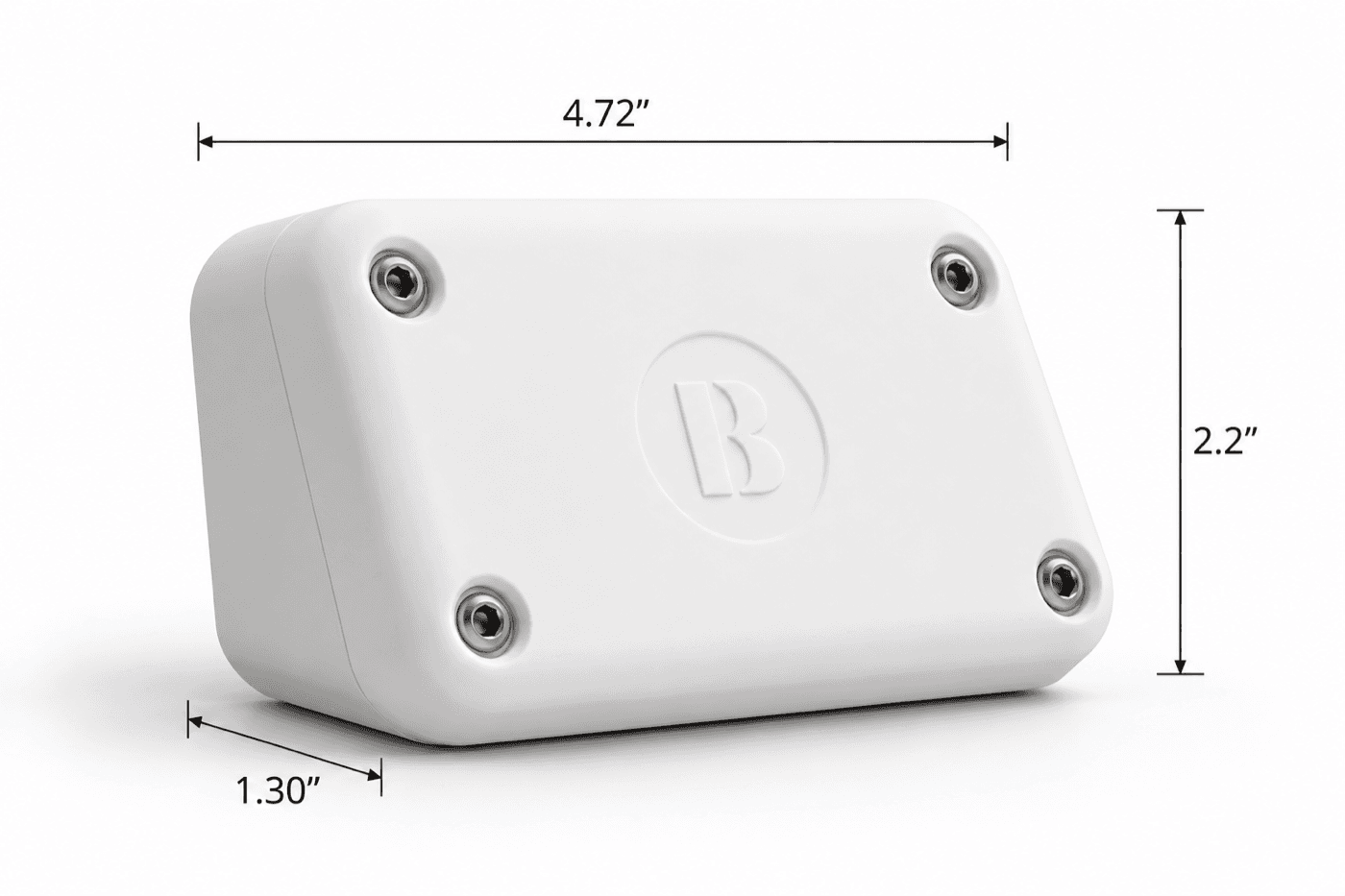
A magnetometer reads the change a vehicle makes to the local magnetic field. The housing bonds to the surface, so a typical installation does not cut into pavement and does not need the space taken out of service for long.
The head separates from the bonded backplate. A unit can be replaced without redoing the mount or re-surveying the space.
- Dimensions
- 4.72 × 2.2 × 1.30 in
- Housing
- UV-stabilized polycarbonate with tamper-resistant screws
- Detection
- Magnetometer
- Radio
- LoRa, to an on-site receiver
What the platform holds.
Everything below is running today.
- Live occupancy
- Current state for every monitored space, updated as it changes.
- Historical occupancy
- Every state change kept with its timestamp, not sampled.
- Dwell
- Duration of each completed occupancy, per space.
- Turnover
- Completed occupancy sessions measured against observed stall-days.
- Occupancy rate
- Occupied time as a share of the time the space was observed.
- Utilization and availability
- How much of the monitored set is in use right now.
- Sensor health
- Which units are reporting on schedule and which have gone quiet.
- Battery visibility
- Battery level and a low-battery flag reported with the data.
- Reporting
- Period reports covering occupancy, dwell, turnover and system performance.
- Integrations
- Occupancy records available through an API for delivery into other systems.
On live data.
The same record, read from the Austin deployment. Select a space to see its occupancy rate, average dwell and shape across the day.
Space 1
Regular space
Which spaces are occupied or vacant right now, and whether each sensor is reporting.
| Space | Type | State | Sensor |
|---|---|---|---|
| Space 1 | Regular | Occupied | Reporting |
| Space 2 | Pickup | Vacant | Reporting |
| Space 3 | ADA | Vacant | Reporting |
Figures cover the observed window at the field site. Nothing here identifies the location or the hardware.
Showing all spacesWhat Bizzi does not do.
These are the first questions a public agency asks.
- No cameras and no video. The sensor reports whether a space is occupied. There is no footage to store, redact or produce later.
- No license plates and no vehicle identity. Bizzi cannot tell one vehicle from another.
- Occupancy and duration go to the staff who make enforcement decisions.
Tell us what you need to measure.
Bring a site and a number of spaces. We will work out what a deployment there would need to measure and what it would take to install.